Open the Token Approvals page on Etherscan, Arbiscan, or Polygonscan for the chain that holds your tokens. Paste your address, read each Approved Spender, then connect the wallet that owns those tokens and click Revoke if you no longer want that contract to pull them.
A leftover token approval (an allowance) is a standing permission on the token contract. You still need a little native gas on that same network. Pair this with sending safely, picking the right network, planning gas, and spotting phishing. Those cover the move. This covers the permission that can stay after the move.
Not financial advice. A revoke is a normal on-chain transaction and costs gas. Practice on small balances first. Explorer buttons and labels change. Re-check the official page before you sign with real value. Never paste a seed into an explorer or a “helper” site.
What a token approval actually is
On Ethereum-style chains, USDT, USDC, and other tokens live in their own contracts. A dapp cannot simply grab them. First it needs your permission.
That permission is an ERC-20 approval: you tell token contract A that spender contract B may move up to a set amount of your tokens. The next swap or stake lets B pull from that allowance instead of asking you to hand over the wallet.
Two details catch people:
- Many dapps request an unlimited (or “infinite”) allowance so you do not re-approve every trade. Convenient. Also durable: if that contract is later compromised, or if you approved a malicious lookalike, the spender can drain the approved token until you revoke.
- Disconnecting the site does not zero the allowance. MetaMask’s docs are explicit: disconnecting only stops the site from seeing your address in that session. The on-chain allowance remains until you send a revoke (or set the allowance to zero). ethereum.org says the same: there is no expiry date on a classic approval.
Hardware wallets keep keys offline. They do not block a spender that already holds a valid unlimited approval. A stablecoin swap, a “gas helper,” an NFT mint, or a one-time airdrop claim all leave rows. If you ever clicked Approve on an EVM chain, you almost certainly have at least one active allowance.
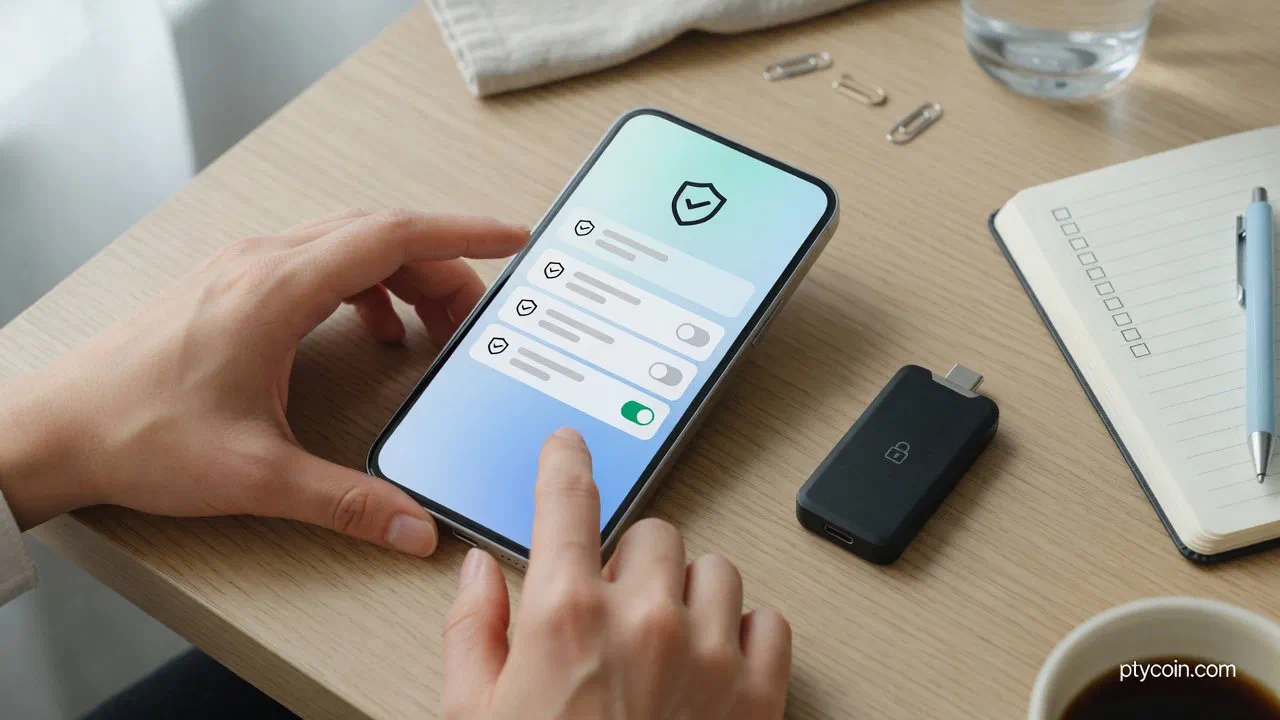
Figure: An approval is a standing permission on the token contract. Closing the dapp tab does not remove it.
Before you approve anything new
When a wallet pop-up asks for a spending cap, slow down.
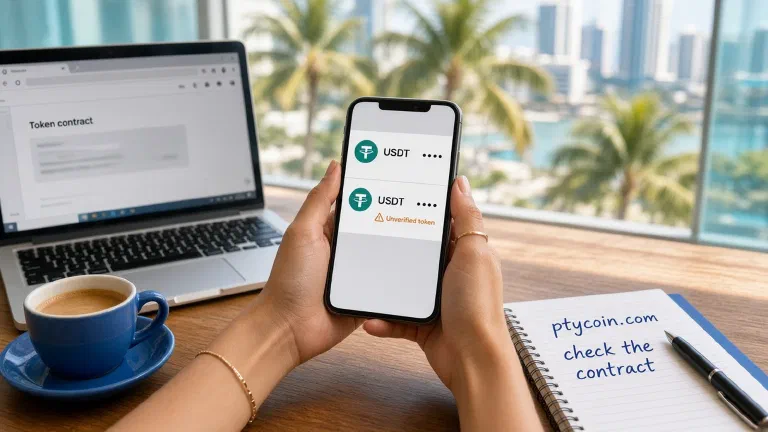
- Read the token and the spender. Is this the site you typed from a bookmark or official docs? Phishing pages copy logos and ask for unlimited USDT first.
- Prefer a limited amount when the wallet allows a custom spending cap (MetaMask documents this under customize token approvals). Approve what you need for this action, not “max.”
- Never approve a random helper that wants your seed. Approvals are signed in-wallet. Seed phrases are never required to grant or revoke an allowance.
- Keep gas ready. Approvals and revokes both cost the chain’s native coin. See gas planning.
Unlimited approvals for a protocol you use weekly are a trade-off some people accept. Unlimited approvals for a site you cannot name next week are a habit to break.
How to revoke on Etherscan
Live page: etherscan.io/tokenapprovalchecker. Heading: Ethereum Token Approval. Etherscan’s explainer matches this flow. You can search without connecting. You must connect to sign. Older docs still say Connect to Web3; the live button is Connect Wallet (Etherscan, Apr 2026). After an address loads, tabs appear for ERC-20, ERC-721, and ERC-1155. ERC-20 columns: Transaction Hash, Last Updated, Assets, Approved Spender, and Allowance or Original Allowance. Turn Show all approvals on if the list looks too short.
- Fund ETH on Ethereum mainnet.
- Open the checker. Confirm
etherscan.io. Bookmark it. Fake explorers exist; see phishing. - Paste your address in Search by Address or Domain Name. Search.
- Stay on ERC-20 for stablecoins. Read Assets, Approved Spender, and Allowance. Flag Unlimited rows and unknown spenders.
- Click Connect Wallet. Choose the owning account.
- Click Revoke on that row. The wallet must show Ethereum, an ETH fee, and a revoke or
approveof0. Abort if it looks like a new unlimited grant. - Wait for confirmation. Refresh. The row should show zero or drop off.
Each revoke is usually its own fee. Confirm the tx on a block explorer. Same layout on BaseScan (pay ETH on Base) and BscScan (pay BNB).
How to revoke on Arbiscan
Live page: arbiscan.io/tokenapprovalchecker. Heading: Arbitrum One Token Approval. Same family as Etherscan: table, Connect Wallet, Revoke Token Approvals, ERC-20 tabs after search. One cosmetic difference when checked: the box said Search by Address, without “or Domain Name.”
- Fund ETH on Arbitrum One, not Ethereum mainnet.
- Open the checker. Confirm
arbiscan.io. - Paste your address. Read Assets, Approved Spender, and Allowance.
- Connect the owning wallet on Arbitrum One. Switch network, then reconnect if the page asks.
- Click Revoke. Confirm Arbitrum and an ETH-on-L2 fee.
- Refresh. Repeat per row.
Read every prompt. A phishing clone wants the same unlimited USDC approval a fake Etherscan wants.
How to revoke on Polygonscan
Live URL: polygonscan.com/tokenapprovalchecker. Browser title: Token Approvals | PolygonScan. Expect the same Connect Wallet, address search, ERC-20 tab, and Revoke as Etherscan. The page is JS-heavy; wait for it to render before you assume it is blank.
- Fund POL on Polygon PoS (formerly MATIC). This revoke does not spend Ethereum ETH.
- Open the checker. Confirm
polygonscan.com. - Paste your address. Read the ERC-20 columns.
- Connect the owning wallet on Polygon.
- Click Revoke. Confirm POL fee and Polygon in the wallet.
- Refresh after confirmation.
ethereum.org is explicit: one network per session. Polygonscan will not show your Arbitrum rows.
How do I revoke on Solscan?
You mostly do not. Solscan is a viewer. It has no Etherscan-style Token Approvals checker and no on-page Revoke button.
Solana does not use ERC-20 approve. Each SPL token lives in its own token account. A dapp can receive a delegate: one pubkey that may transfer or burn up to a delegated amount. Solana’s docs describe the Token Program Revoke instruction: it clears the delegate and resets the amount to zero. The owner signs. One delegate per token account. A new approval replaces the previous one. Disconnecting a site in the wallet does not clear that delegate.
Inspect on Solscan (view only): paste your address on solscan.io. Portfolio → Tokens is a holdings table (balance and value). It does not list delegates. Click the token-account address in that table (not the mint), or open a Token Accounts tab if the account page shows one, to reach the token-account detail page. Check Owner, State, and Delegate when a delegate is set. Many healthy accounts omit the field. There is no Revoke button.
Revoke elsewhere: keep a little SOL. On Revoke.cash, paste the Solana address or connect Phantom / Solflare / Backpack, select Solana, review token and delegate, then Revoke and sign the Token Program instruction. If your official wallet shows “remove delegate” on a token, use that. Do not follow a DM that promises a Solscan revoke page. Refresh. The delegate should be gone.
Never send a seed to “unlock” a Solana token account.
Revoke.cash and in-wallet spending caps
Revoke.cash covers many EVM chains plus Solana from one habit. Their how-to: confirm revoke.cash, paste an address or Connect Wallet, pick the network, filter for unlimited or unknown spenders, then Revoke (or the pencil to lower the amount) and pay that chain’s gas.
MetaMask can revoke some allowances in-app. Current Spending Caps docs: MetaMask Portfolio → Overview → Spending Caps → Revoke. Networks listed at check time: Ethereum mainnet, Polygon, BNB Chain, Optimism, and Base. For Arbitrum, use Arbiscan or Revoke.cash. Treat other wallet screens as shortcuts. If a spender looks odd, verify it on an explorer.
If ETH or SOL you deposit for gas is swept instantly, the key is already compromised. Revoking will not fix a drained seed. Move to a new wallet on a clean device. Never reuse the old seed. Revoke.cash’s FAQ calls this hygiene, not recovery.
A monthly hygiene checklist
- List addresses that still hold value. Run each network you used, including Solana via Solscan or Revoke.cash.
- Revoke unlimited rows for dapps you no longer open.
- After a scare, re-check the same day. Re-approve later with a limited cap when you need that dapp again.
What this guide still does not cover
- Tron TRC-20 allowances live on Tronscan, not this Etherscan family.
- Permit / Permit2 can look like off-chain signatures. Still treat them as spend permissions. Decline a high-risk prompt.
- Funds already pulled. Revoke so the same spender cannot take more. It does not reverse a drain.
Takeaway
On EVM chains, list approvals on that chain’s checker or on Revoke.cash, then revoke and pay the gas on purpose. Prefer limited caps the next time a dapp asks. On Solana, inspect token accounts on Solscan and revoke delegates with a wallet or Revoke.cash. Keep seed phrase hygiene next to this habit, and put “check approvals” on the same calendar as “top up gas” before the next USDC payout lands.