Most self-custody losses do not start with a broken hardware chip. They start with a link, a search ad, a fake app, or a chat that looks helpful. You click. You type. You sign. Then the coins move.
This is a practical checklist for phishing: when someone pretends to be your wallet, exchange, or support so you hand over a seed or approve a harmful signature. It pairs with seed phrase hygiene, token approvals, and sending safely.
Not financial advice. If you already entered a seed or signed something you did not understand, stop using that wallet for new value and follow the recovery steps at the end. Practice checks on empty wallets first.
What phishing looks like in crypto
In ordinary banking, phishing often steals a password you can reset. In self-custody, two outcomes are common:
- Seed theft. A fake site, app, popup, or “support agent” asks for your 12 or 24 recovery words. Once they have the phrase, they own every address it derives. There is no chargeback.
- Signature / approval theft. You never type the seed. You connect a real wallet to a fake site and approve a transfer, a permit, or an unlimited token allowance. The drain happens on-chain after you click Confirm.
Both start the same way: urgency, official branding, and a request that feels routine. MetaMask’s safety guide is blunt: only two real products (extension and mobile), no free-token giveaways, and almost never a need for your Secret Recovery Phrase outside setup or restore.
Rule zero: never enter your seed on a website
- No legitimate wallet website needs your recovery phrase to “verify,” “unlock,” “sync,” or “claim.”
- Ledger support states the same line vendors repeat for a reason: they will never ask for your 24 words.
- MetaMask lists the only normal times you type a Secret Recovery Phrase: first-time confirmation that you wrote it down, wallet restore, or password reset flows inside the real extension or app.
If a page, email, PDF, Google Form, or chat asks for the words, close it. Do not paste “just one word to check.” Do not photograph the card for support.
Download only from sources you already trust
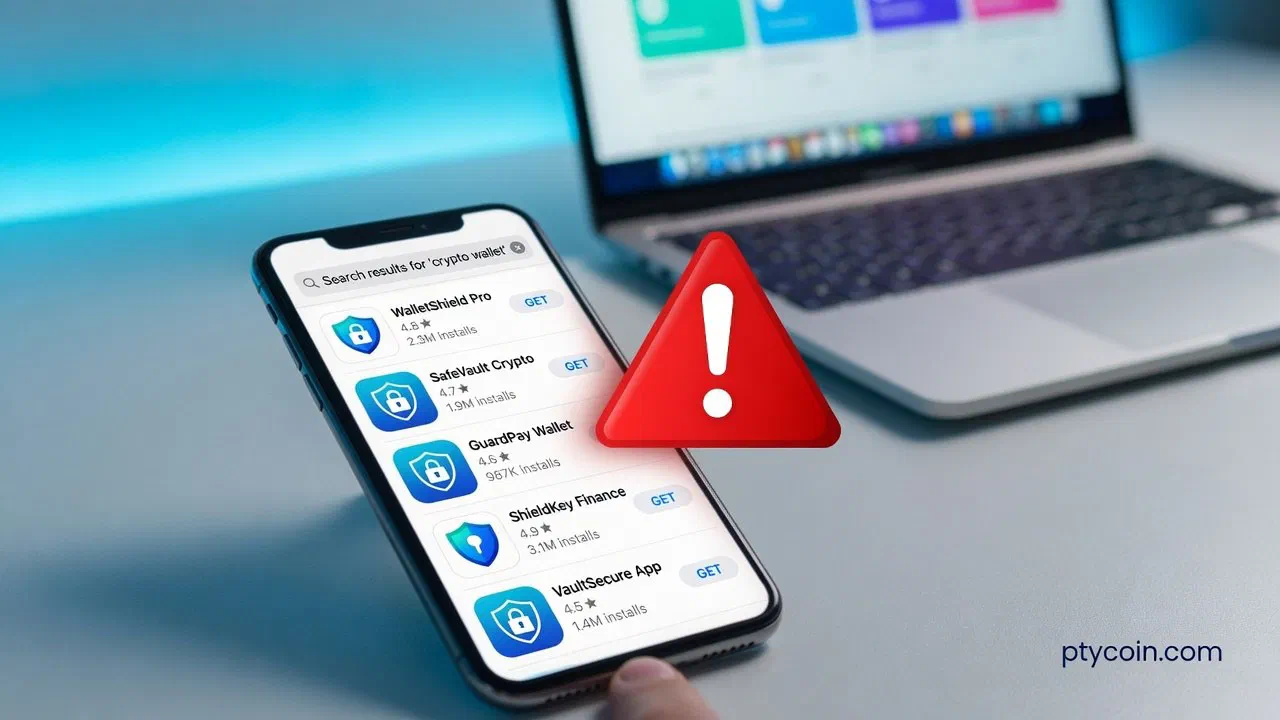
Attackers buy ads and rank fake download pages above the real one. They clone logos. They ship lookalike extensions and store apps.
Browser wallets (example: MetaMask)
- Type the official domain yourself, or open a bookmark you created on a clean day.
- Start at metamask.io/download and use only the Install path from there, or the official Chrome / Firefox store listing linked from that page (MetaMask’s verify guide).
- Ignore sponsored search results above the organic listing. Read the URL character by character:
metamask.io, notmetamask-wallet.appor a long subdomain chain. - After install, pin the extension. Open it from the browser toolbar, not from a site button that claims to “launch wallet.”
Hardware companion apps (example: Ledger)
- Download desktop software only from the manufacturer’s site (for Ledger, paths under ledger.com).
- On mobile stores, check the publisher name, not only the icon. Real Ledger iOS listings are published by Ledger SAS (or the current legal name on ledger.com). A pretty icon from an unknown developer is a hard stop.
- Never buy a “pre-configured” device that arrives with a seed card already filled in. Generate the seed yourself on the device.
Mobile wallets in general
- Open the App Store or Play Store from the OS, not from a chat link.
- Confirm publisher, install count, newest reviews, and update date.
- Prefer the project’s official download only after the domain matches its verified docs.
- A wallet that demands your seed to “import your balance” before you chose Restore is a red flag.
Clone apps still appear in official stores. Kaspersky’s reporting on fake crypto apps stresses publisher verification on top of the store listing.
Check the URL before you connect
- Bookmark official domains for every wallet, exchange, and dapp you use monthly. Next time, open the bookmark. Do not re-search.
- Read the full host.
app.uniswap.orgis not the same family asuniswap-app.orgoruniiswap.com. Extra hyphens, swapped letters, and odd country TLDs are classic. - Prefer HTTPS, but treat the lock icon as necessary, not sufficient. Phishing sites use valid certificates too.
- Watch for MetaMask phishing warnings. MetaMask maintains a community blocklist (eth-phishing-detect) and shows deceptive-site alerts on known bad domains. If the wallet flashes red, leave.
- Never trust a link from cold outreach. Emails, Telegram DMs, WhatsApp groups, and “airdrop claim” posts are the delivery system. Chainalysis still treats seed-phrase phishing as a primary loss path.
In Latin America, much of this arrives over WhatsApp and Telegram: “exchange support,” “your transfer is stuck,” “verify in 10 minutes or funds freeze.” Apply the same reflex banks already taught: urgent chat support can be fake. Real support does not DM first and never needs your seed.
Fake support: the script that repeats
| Tell | What to do |
|---|---|
| They messaged you first | Ignore. Open the official site yourself and use in-product support only. |
| They want a screen share | Refuse. Scammers watch you open the wallet, then guide a drain. |
| They want the seed “to restore access” | End the chat. That is theft. |
| They send a Google Form / PDF / “security report” | Close it. Enter nothing. |
| They create urgency (“blocked in 1 hour”) | Slow down. Urgency is the product. |
WalletConnect and connect prompts
WalletConnect lets many mobile wallets talk to a website. It is not automatically safe. A real wallet can still connect to a fake domain.
- Read the domain in the wallet prompt. Compare it to the address bar on the site you intended.
- Many wallets surface WalletConnect Verify states: Domain match, Unverified, Mismatch, or Threat. Treat Mismatch and Threat as refuse. Treat Unverified as “slow down and verify another way.”
- Reject sessions that request broad permissions you did not initiate.
- After you finish, disconnect the session in the wallet. Disconnect is not the same as revoking token approvals, but it closes the live bridge.
Never scan a WalletConnect QR code from a DM or an unsolicited flyer.
Read the signature before you confirm
- Genuine wallet popups follow your click. MetaMask notes that a real extension does not pop up unprompted the moment a page loads. A random full-screen “verify wallet” form is not your extension.
- Demand context. Destination, asset, amount, network, and fee should be readable. A blank “Sign” with no details is a hard no.
- Watch for unlimited approvals on tokens you care about. Prefer a limited amount when the UI allows it. Clean old allowances later with the approvals guide (Etherscan, Arbiscan, Polygonscan, and Solscan walkthroughs).
- Hardware wallets help only if you read the device screen. If the computer shows one thing and the device another, abort.
- No free mint needs your seed. Airdrops that require recovery words are fake.
A five-minute pre-sign checklist
- Did I open this site or app from a bookmark or a typed official URL?
- Does the publisher / domain match what I already trust?
- Is anyone asking for my seed phrase? If yes, stop.
- Does the wallet show a clear domain and a Verify state I accept?
- Can I explain, in one sentence, what this signature does?
- Am I under time pressure from a chat or ad? If yes, pause overnight.
If any answer fails, close the tab. The blockchain will still be there tomorrow. Your coins may not be if you rush.
If you already typed a seed or signed something bad
Act in order. Do not wait for “support” that contacted you.
- Assume the seed is burned if you entered it anywhere networked: website, form, chat, cloud photo, shared screen. Create a new wallet on clean hardware or a freshly installed official app. Generate a new seed. Never reuse the compromised phrase.
- Move remaining funds to the new wallet from a machine you trust. Prefer small test sends first (send safely).
- Revoke token approvals on the old address if assets remain, then still migrate. Revoking does not fix a stolen seed.
- Disconnect WalletConnect sessions and remove unknown browser extensions.
- Document the URL, time, and tx hashes; report the domain via your wallet when possible.
- If funds already left, treat cold-call “recovery” firms as a second scam wave. On-chain theft is usually final.
Build habits that survive a busy week
- Keep a short list of official domains (wallet, two exchanges, one explorer per chain).
- Update wallet apps only through those same paths.
- Practice a seed restore on a spare device before you need it (seed phrases guide).
- Teach household members: nobody legitimate asks for the words.
Self-custody removes the bank as middleman and as fraud desk. Verify the source first. Read the prompt second. Sign last, or not at all.