
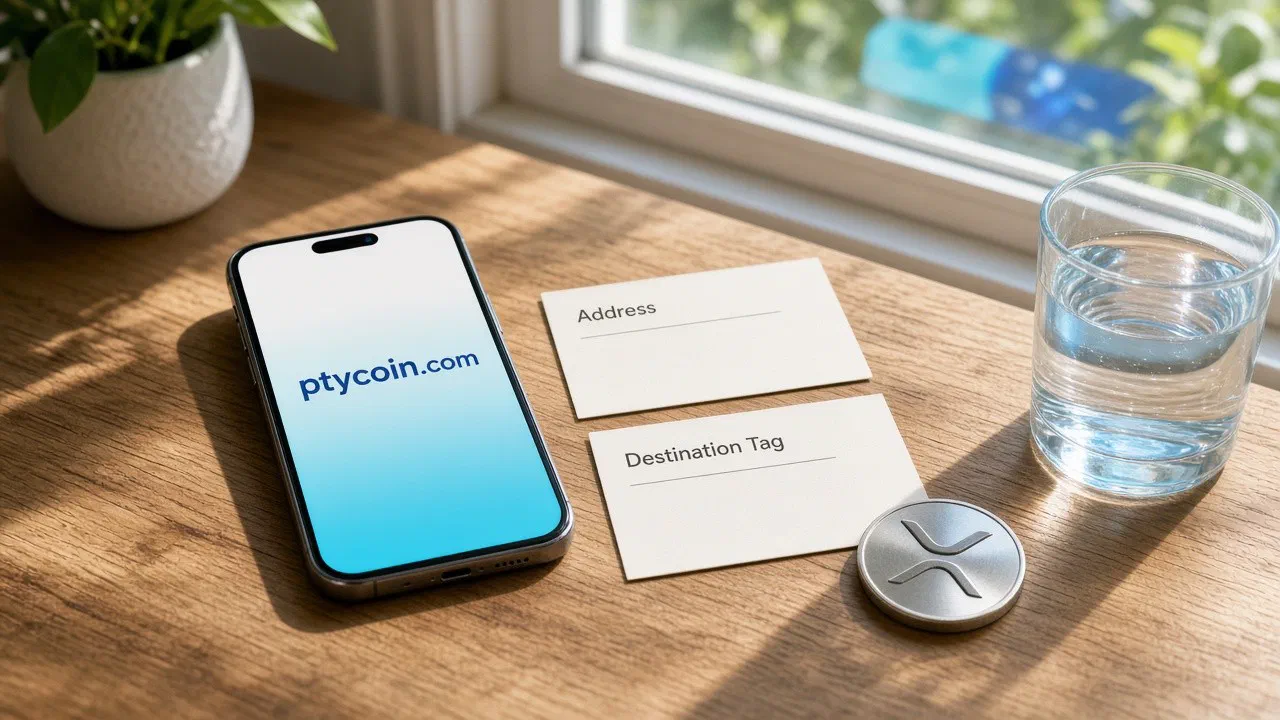
A destination tag or memo is the second piece of routing data many exchanges require on networks such as XRP Ledger, Stellar, Cosmos Hub, and Hedera. Without the exact tag the exchange shows on its deposit screen, your transfer can confirm on-chain while the desk never credits your account.
This guide is education, not financial, legal, or tax advice. Nothing here is a recommendation to buy, sell, deposit, or withdraw any asset. Double-check every field on your own screen before you sign.
Why the address alone is not enough
On several major networks, a funded account is relatively expensive or operationally awkward to create for every customer. Exchanges often reuse one shared deposit address for many users. The address tells the network where the coins go. The destination tag or memo tells the exchange which customer balance to credit after the coins arrive.
Official XRP Ledger docs describe destination tags as off-ledger routing information for multi-purpose addresses, not as a separate on-ledger account. Stellar documents an optional memo field with typed values (text, id, hash, return). Cosmos SDK transactions carry an optional memo string in the transaction body. Hedera deposits to many exchanges follow the same pattern with a memo or tag field. Naming varies by chain and by exchange UI. Treat every label seriously: Destination Tag, Memo, Memo ID, Tag, or Comment can all mean the same routing job.
Stellar rails are widely used for USDC and remittance-style flows across Latin America, and XRP corridors show up in cross-border liquidity products. When that value lands on a centralized exchange, the same rule applies: address plus the exact routing field, or you risk an uncredited deposit. That is operational hygiene, not a product pitch.
Self-custody receive vs exchange deposit
When you receive into your own self-custody wallet, you usually do not need a destination tag or memo. Your address already maps to you. Leave the optional field blank unless your wallet or the sender’s interface forces a value.
When you deposit to an exchange, the deposit screen often shows both an address and a required tag or memo. Copy both. Paste both. A confirmed explorer entry is not the same as a credited exchange balance.
If you are still moving assets off an exchange into self-custody, start with Self-Custody 101: Moving Your Crypto Off an Exchange Safely and How to receive crypto safely into a self-custody wallet. This guide covers the opposite direction: sending from a wallet (or another venue) into an exchange that uses tags.
Names you will see
| Network / product | Common field name | Typical shape |
|---|---|---|
| XRP Ledger | Destination Tag | Numeric (32-bit unsigned integer on XRPL) |
| Stellar | Memo (+ memo type) | id, text, hash, or return |
| Cosmos Hub and many Cosmos SDK chains | Memo | String shown by the exchange |
| Hedera | Memo / Tag | Often numeric on exchange deposit screens |
Exchanges may rename the field. Always follow the deposit screen for that asset and network, not a memory from a different chain.
Some XRPL tooling can pack address + tag into an X-address. If your wallet asks for a classic address and a separate tag, keep them separate and paste exactly what the exchange shows. Do not invent a tag to “fill a blank.”
On Stellar, memo type matters. Exchanges commonly expect MEMO_ID (a 64-bit unsigned integer as a string). If the deposit screen shows type id and you send the same digits as text, credit can fail even though the memo looks similar. Match both value and type. Muxed accounts are a newer Stellar pooled-account pattern that embeds the customer id in an M-address, so memos are not the only modern design — still paste exactly what the exchange shows.
Safety warnings before you send
- Never invent a destination tag or memo. Only use the value the receiving exchange shows for your account and that asset.
- Never reuse someone else’s tag. Their tag routes to their balance, not yours.
- Never put a seed phrase, private key, password, or 2FA code in a memo. Memos are public on-chain forever.
- Do not assume “optional” means optional on an exchange deposit. If the screen marks the field required, treat it as required.
- Sending a second transfer with the correct tag does not repair a first transfer that omitted it.
For broader send hygiene, read How to send crypto safely from a self-custody wallet.
How to deposit with a tag or memo
- Open the exchange deposit screen for the exact asset and network you will use. Confirm the network name matches your wallet’s network.
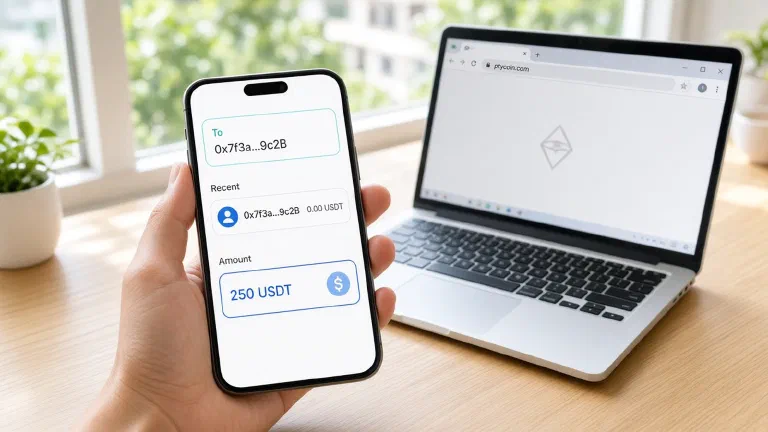
- Copy the deposit address. Paste it into your wallet’s recipient field. Prefer paste over typing.
- Copy the destination tag / memo from the same screen. Paste it into the wallet’s tag/memo field. On Stellar, also set the memo type the exchange shows.
- Enter a small test amount first when fees allow. Wait until the exchange credits that test before sending a larger balance.
- On the wallet review screen, read address, tag/memo, amount, network, and fee out loud. Check digit by digit against the exchange screen.
- Sign and broadcast only after both fields match.
- Save the transaction ID (txid / hash). Open a block explorer for that network and confirm the payment shows the same destination and the same tag/memo. Use How to read a block explorer and verify a transaction if you need a refresher.
- Wait for the exchange’s stated confirmations. Credit timing is a desk policy, not only a chain confirmation.
If you forgot the tag or used the wrong one
Pause. Do not spam additional deposits hoping one of them “fixes” the first.
- Confirm the transaction on an explorer: destination address, amount, and whether a memo/tag appears.
- Open the receiving exchange’s official support or recovery flow for missing memo/tag deposits. Only the receiving venue can map a shared-address payment to a customer account.
- Prepare your account identifier, asset, network, exact amount, destination address, the intended tag/memo, and the txid.
- Follow their process. Some venues recover deposits; some charge a fee; some decline. Recovery is not guaranteed.
- Keep all communication inside official in-app or bookmarked support channels. Do not trust cold DMs that offer “recovery help.”
If the network rejected the payment because the destination requires a tag (for example XRPL RequireDest behavior), you may still hold the funds in the sending wallet. Read the explorer result carefully before you open a ticket.
Quick checklist
- Asset and network match the deposit screen
- Address pasted from the exchange, not from chat
- Tag/memo pasted from the same screen
- Stellar memo type matches when shown
- Small test first when practical
- Explorer shows address + tag/memo after send
- Exchange balance updates before you send more
Official references
- XRP Ledger: Source and Destination Tags
- Stellar: Operations and Transactions (Memo types)
- Cosmos SDK: Transactions (memo field)
- Hedera: Transactions (memo field)
- Coinbase Help: Destination tags and memos (lists HBAR memo)
Keep receipts. Verify on explorers. When a screen asks for a second field, answer it with the exchange’s value — not a guess. The same extra field is what keeps remittance-style Stellar USDC and XRP corridor deposits from sitting uncredited on a shared address.